Tools every developer should know
The everyday toolkit — version control, terminal, package managers, API clients, and containers — that makes development reliable and fast.
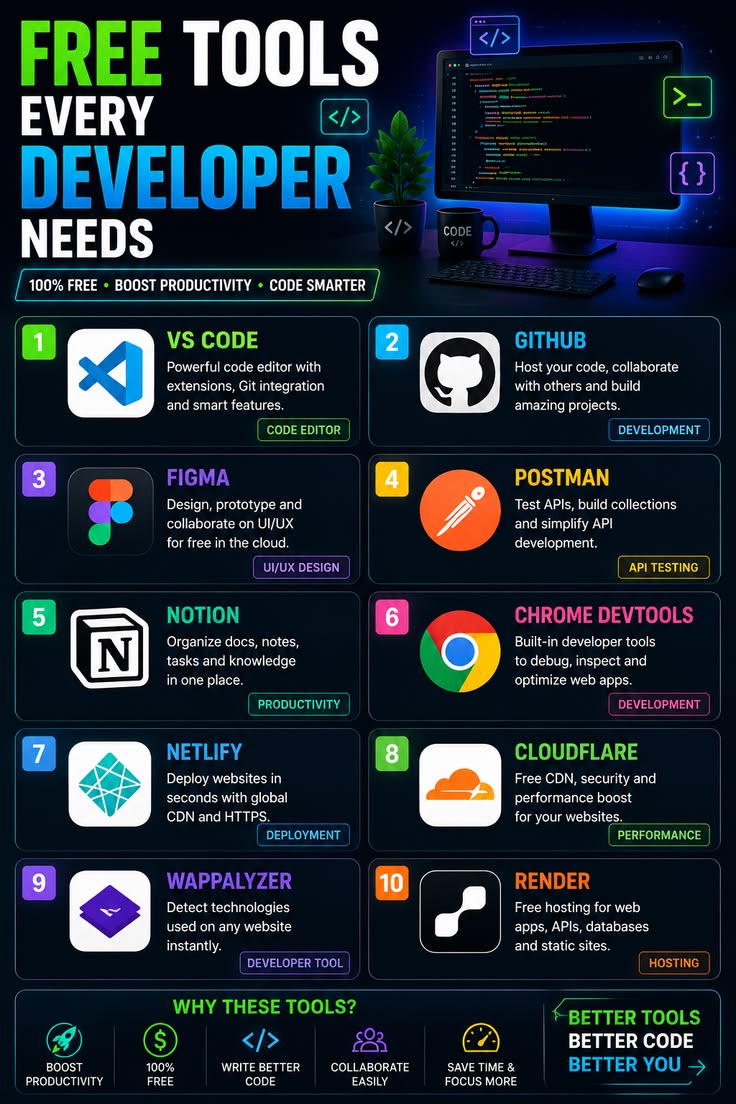
You don't need 50 tools to be effective, but a handful of well-understood ones remove friction from almost every task. Here are the categories of tools I consider essential, with concrete examples you can adopt today.
1. Version control: Git
Non-negotiable. Git tracks history, enables collaboration, and gives you a safety net.
bash
git status
git switch -c feature/login
git add -p
git commit -m "add login validation"
Pair it with a host: GitHub, GitLab, or Bitbucket.
2. The terminal
A comfortable shell (bash, zsh, or fish) beats clicking through GUIs for repetition and automation. Learn pipes, grep, sed, and how to write small scripts.
3. Package managers
- **Node**: npm, pnpm, or yarn
- **Python**: pip, uv, or poetry
- **System**: Homebrew (macOS), apt (Linux)
Pin versions and use lockfiles so builds are reproducible.
4. API client
Tools like Postman or Insomnia (or plain curl) let you inspect requests, save collections, and debug endpoints without a UI.
bash
curl -X GET https://api.example.com/users/1 \
  -H "Authorization: Bearer $TOKEN"
5. Containers: Docker
Docker makes environments consistent ("it works on my machine" stops being a problem). A simple Dockerfile and docker-compose.yml can spin up your whole stack.
6. Editor + extensions
VS Code (or your editor of choice) with linting, formatting, and language tooling. Memorize its shortcuts — they compound daily.
7. Database client
TablePlus, DBeaver, or psql for inspecting and querying data directly instead of guessing from the API.
8. Observability
- **Logs**: structured logging you can search.
- **Metrics**: Prometheus/Grafana or your host's dashboard.
- **Error tracking**: Sentry or similar.
9. AI assistants
Used well, an AI assistant accelerates boilerplate, explains unfamiliar code, and drafts tests. Keep it as a copilot, not an authority — review everything it produces.
A minimal starter kit
If you set up only a few today, pick: Git + a good terminal + your editor + Docker + an API client. That combination covers the majority of day-to-day development and scales from hobby projects to production teams.